 SkySoft
 Markdown editor · Mac · iPhone · iPad
A Markdown editor that
renders as you type
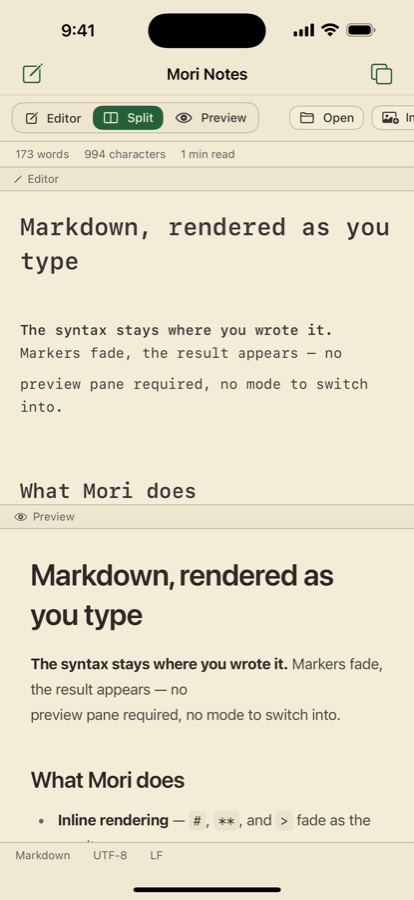
Mori styles headings, bold, code and quotes on screen the moment you type them, while the raw Markdown stays untouched. One app works the same way on Mac, iPhone and iPad.
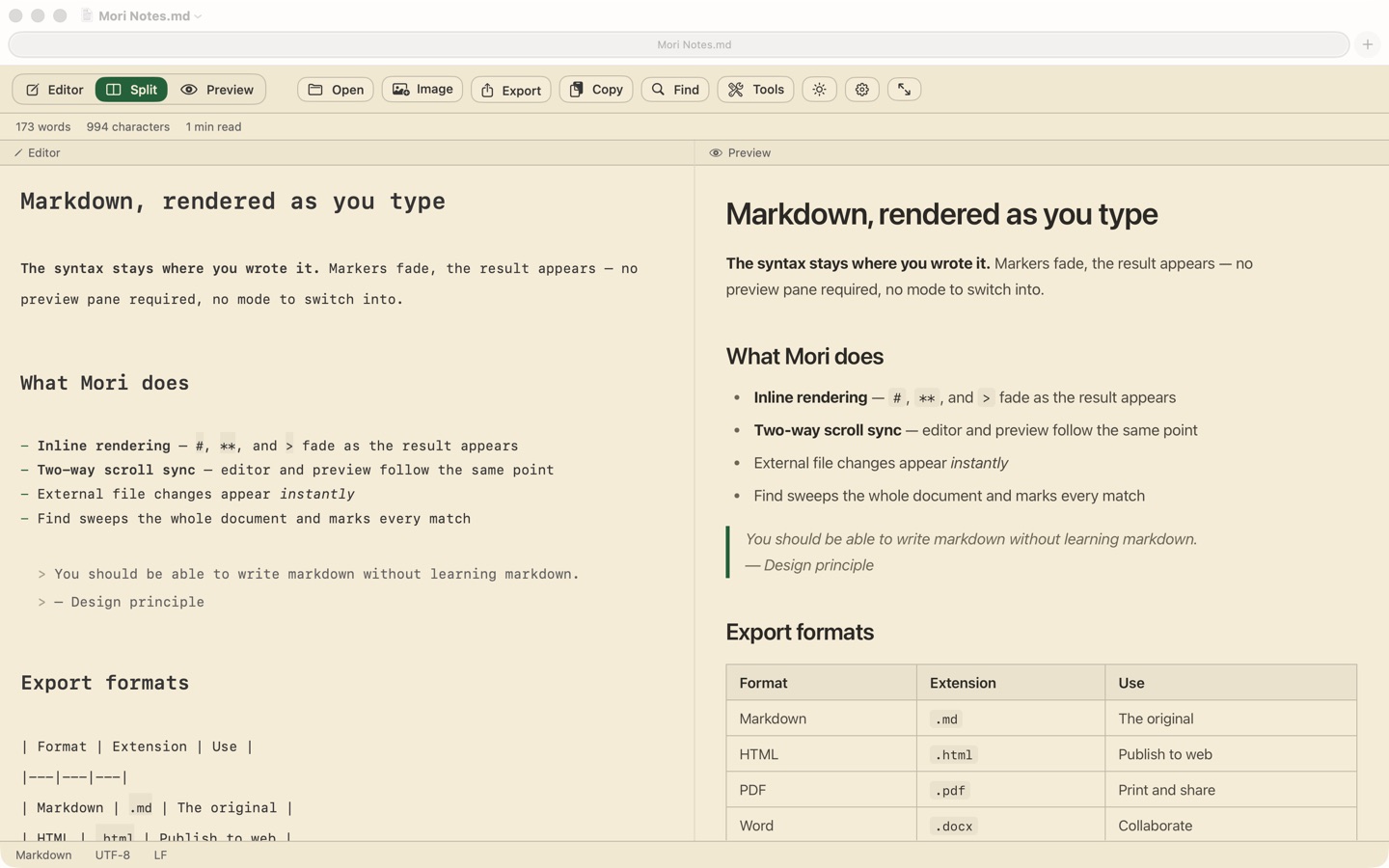
Write, preview and export in one editor
Inline rendering
Headings, bold, italic, strikethrough, inline code, quotes, lists, code fences and links are styled the instant you type them. The raw Markdown stays as is.
Three view modes
Editor, split and preview. In split mode the two panes follow each other in both directions.
Syntax highlighting
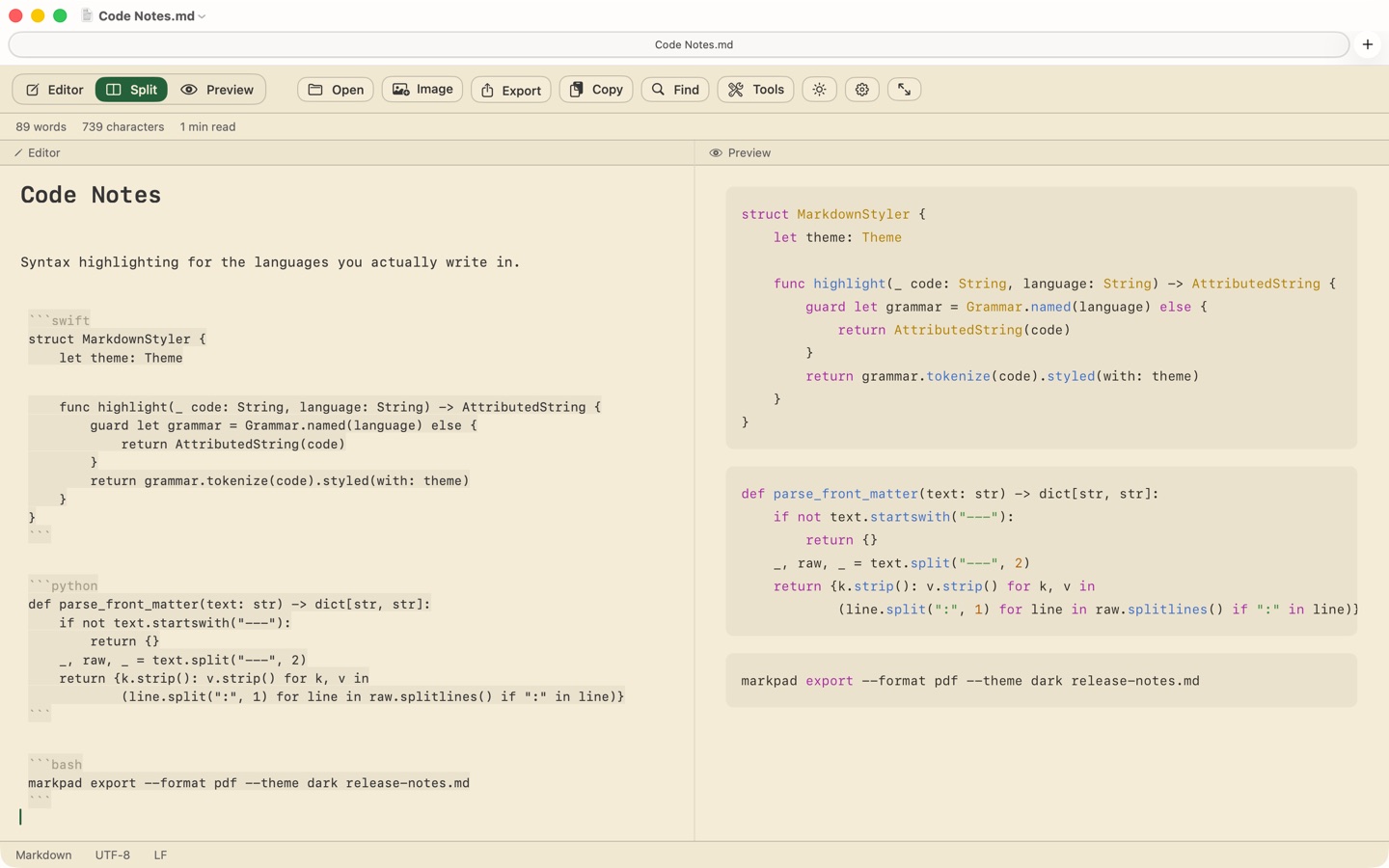
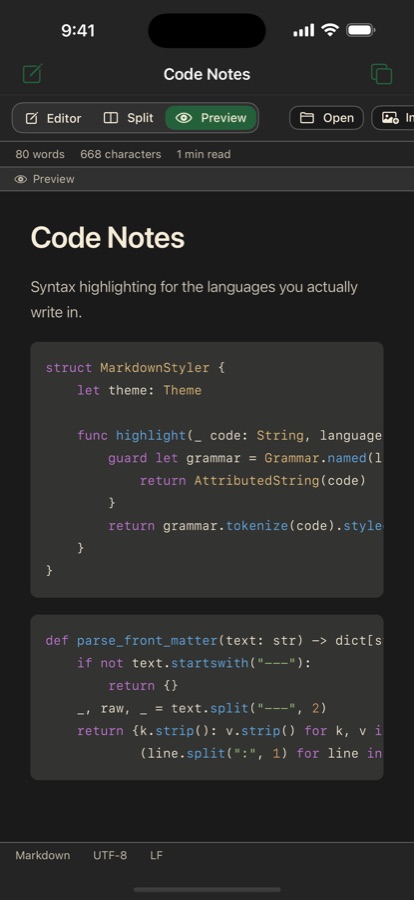
Code blocks are colored by language, detected automatically. Label the block on its first line to be certain.
Export
Markdown, HTML, PDF, PNG, plain text and Word (Mac). Attached images are embedded in the exported file.
Converters
CSV to table, JSON to table, table to CSV, HTML to Markdown, Markdown to text. Copy the result or insert it into the document. Everything runs on your device.
Find · stats · themes
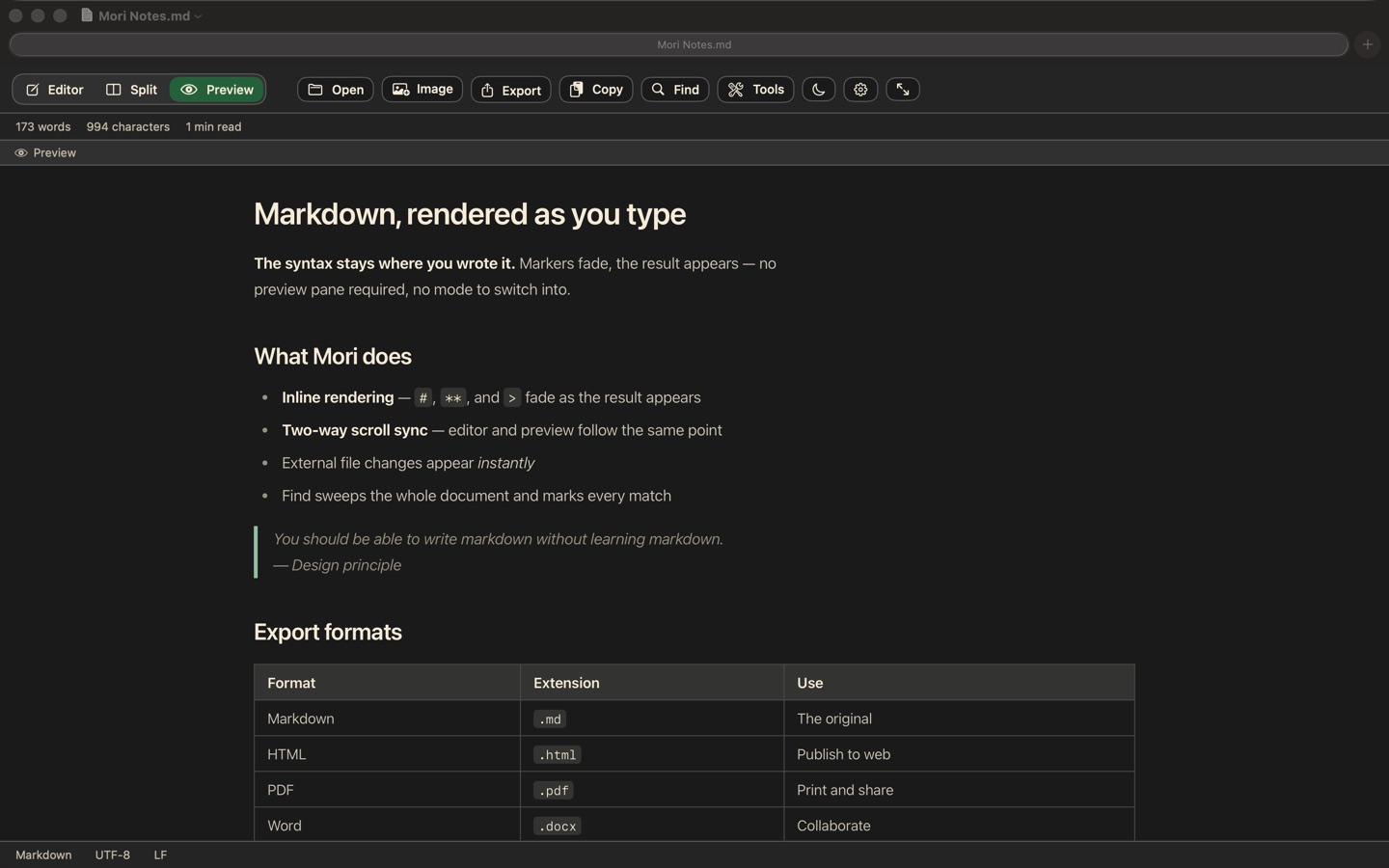
Cmd+F highlights matches in both the editor and the preview. Word count, character count and reading time. Cream light and dark themes, and exports follow the app theme.
On Mac, on iPhone
Reading is free forever, editing is a single purchase
A seven-day free trial, then one payment to keep using it. It is a one-time purchase, not a subscription, and it unlocks on every Mac, iPhone and iPad on the same Apple ID.
| Always free | Mori Pro (one-time purchase) |
|---|---|
| Open and read documents Preview · synchronized scrolling View modes · themes Find · copy text |
Edit and save Export (PDF · HTML · images and more) Attach images Insert conversion results |
The app is not locked when the trial ends. If you only read .md files other people send you, you never have to buy anything.
New device or reinstalled? Open Settings › License and tap Restore Purchases.
Your documents never leave your device
No server
No accounts and no server of ours. Editing, preview, export and conversion all run on your device, so everything works the same in airplane mode.
No tracking
No analytics, advertising SDKs or crash reporters of any kind, and the app never requests tracking permission.
Only two network uses
App Store purchases, and loading an http(s) image URL you typed yourself in the preview. Nothing else.
Download
One App Store listing for Mac, iPhone and iPad. Buy on any one of them and the others unlock at no extra cost.